Start in a minute
Walk in as a guest, let a starter fill your first space, and keep it when you like.
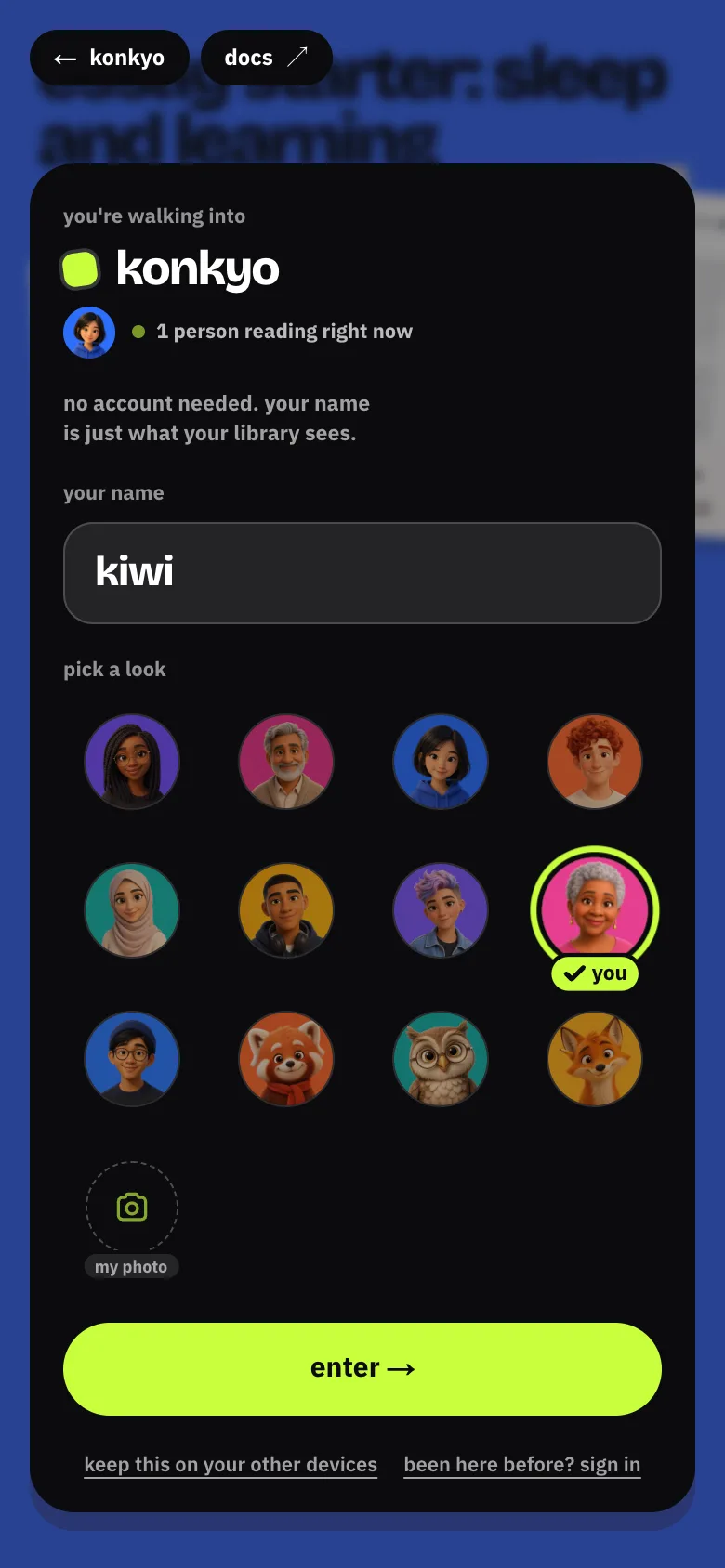
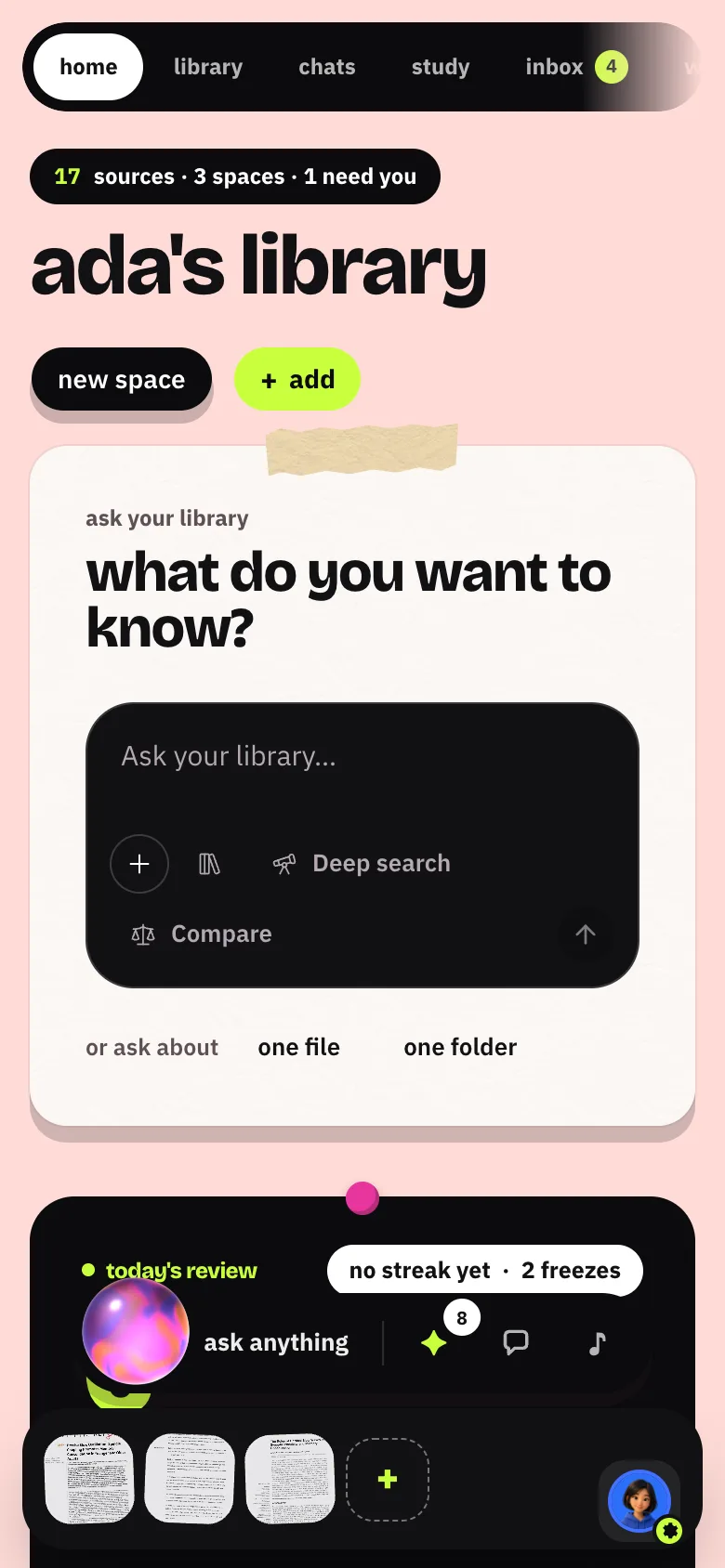
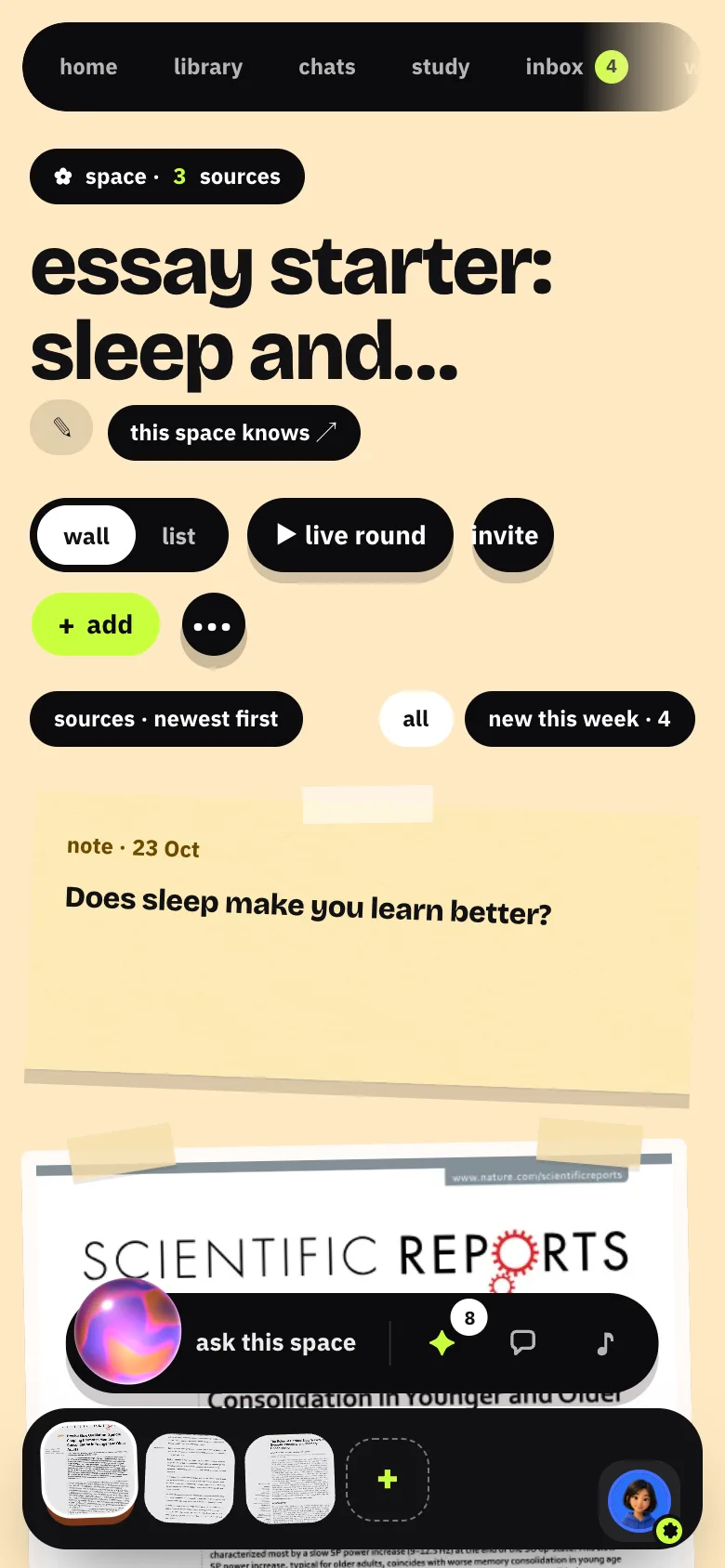
Walk in
Open konkyo.xyz and choose step into the library. The enter card asks for your name and lets you pick a look; enter → and you're in as a guest. Nothing else is needed.
Let a starter fill a space, or bring your own
Home asks what are you here for? Pick a template, or see it work on open material first:
| Starter | What it does |
|---|---|
| Study a sample course | 5 open sources; the quiz starts once they're read |
| Research a question | A real deep search, which takes a few minutes |
| Start an essay | 3 papers and a note to write in |
Or skip. I'll add my own files. and drop files anywhere.
Ask, practise, write
Ask from the box on Home or a space's dock. Every citation is ticked only once its quote is found in the source; click it to open the passage. Then practise or write from the same sources.
Keep it
keep this on my other devices (in the rail's settings card, or whenever a feature for kept accounts asks) turns the guest into an account with Google, or with a six-digit code by email. Everything comes with you: spaces, sources, memory and practice.
Guests
A guest lives in one browser. Signing a guest out deletes it and its library, so keep it first. Guests get smaller daily allowances (60 answers, 3 deep searches, 40 files); a kept account gets 300, 20 and 300. See Your account.