Guide
Bring anything in
Papers, slides, web pages, YouTube, lectures and email, each read into Zetaris before you can cite it.
konkyo.xyz
Every way in
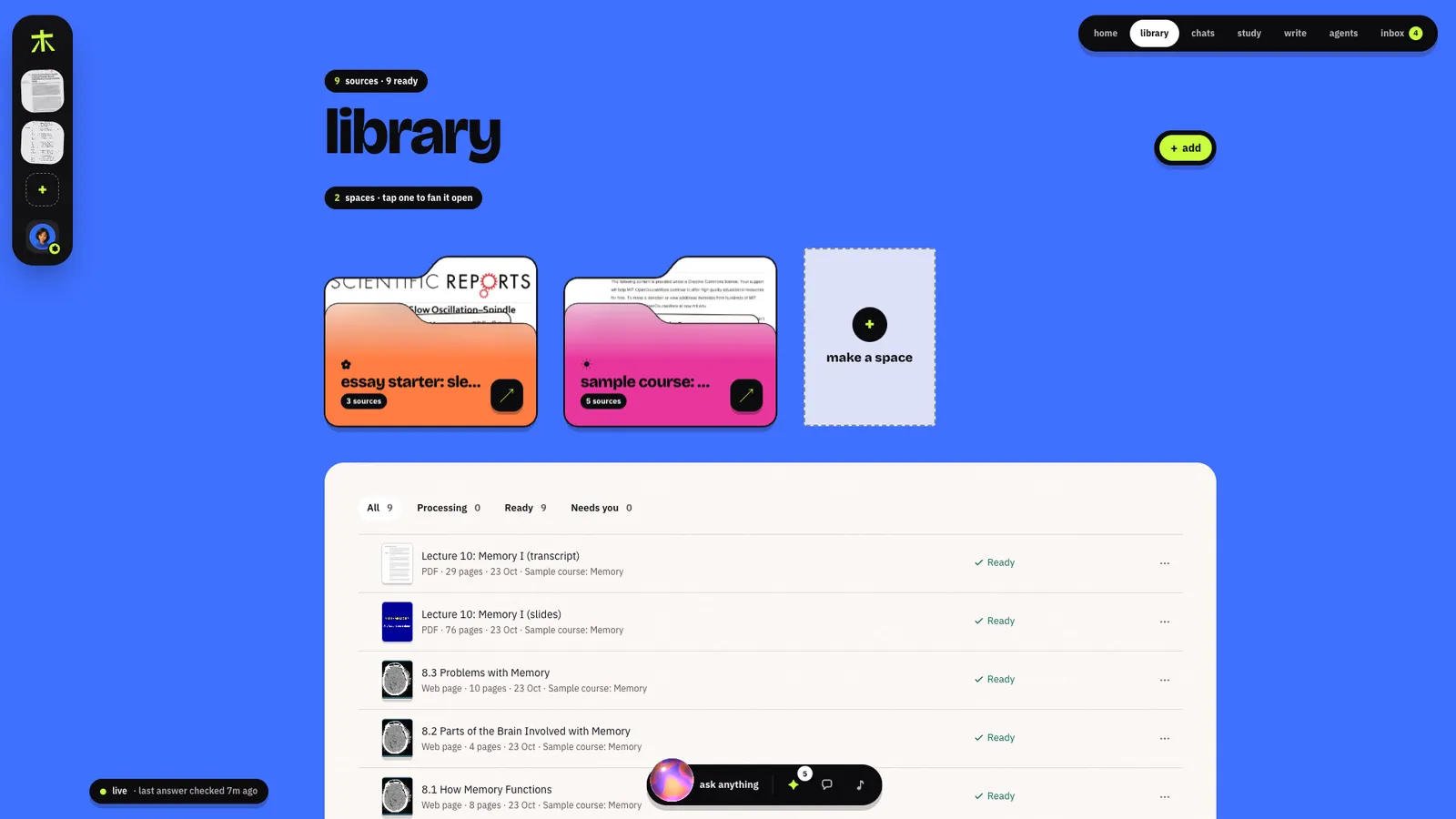
Open + add on a space or the library, or press ⌘K anywhere.
| In the add tray | What becomes a source |
|---|---|
| upload files | PDFs, Word, slides, Markdown, text, recordings (.pdf .docx .pptx .md .txt .mp3 .m4a .wav .weba .mp4 .mov .webm), up to 2 GiB each; uploads resume after a reload |
| upload a folder | Everything inside it; at the top of your library its folders are kept, inside a space it's all filed in the space |
| a link or DOI | A paper, an article, any web page. An arXiv or journal page reads the paper's PDF; a DOI finds an open copy |
| a YouTube video | Its transcript, timed to the video: captions when it has them, otherwise transcribed |
| record a lecture | Recorded in the browser, then transcribed with who spoke when, so every answer can play the moment it cites |
| email this space | Mail forwarded to the space's own address: attachments, and the email itself when it says enough (how) |
| from Gmail / from Drive / from Notion | An email and its attachments, a Drive file, a Notion page; Drive and Notion are re-read when they change |
| find sources | A deep search for open papers and web pages (how) |
| a new note | A note you write. Answers can cite it (checked against its own text); practice and Check my draft read only your sources |
What happens to a file


You can watch each stage in the library: Reading page n of N, Converting to PDF,
Transcribing, Indexing N passages, Checking into Zetaris. Scanned pages are read with OCR and
marked Text from scan.
When a file needs you
| Status | Why | What you can do |
|---|---|---|
| Locked PDF | It's password-protected | Upload an unlocked copy |
| Couldn't reach | The link or video didn't answer, or a DOI has no free copy online | Try again, Upload the PDF, Upload the video file instead |
| No readable text | Nothing could be read, even with OCR | Upload a copy with text |
| Duplicate | The same file is already in your library | Keep the existing one |
| Unsupported | A kind Konkyo can't read | Remove |
Around the library
- Folder menu (
•••): Chat with this folder, Find sources on this topic, Quiz me on this folder, Make an audio brief, Share…, Download as .zip. - File menu: Open, Chat with this file, Quiz me, Make notes, Details (a model-written summary, the citation you can edit, Copy BibTeX), Move to….
- Select several (Shift-click for a range) to move them, download them, or Export bibliography (.bib).
- Trash keeps what you delete for 30 days.
konkyo.xyz